
Create your first guidance session from the API
Guidance sessions creation
When you create a guidance with the Guidance session endpoint, the required fields are:
user_uuid: Identify the user for which the guidance should be accessible. The user_uuid should be obtain after creating a user and after doing a user management session or doing a connect session.country_code: Specify the country of the company with the ISO 3166 (Alpha-2) formatcompany_identification_number: Specify the identification number of the company (in France it’s the SIREN)
You can also define 3 additional and optional values that impact the user experience :
language: Define the language in which the user will see the session. If not mention it will take his browsing languagecontact_email: Share the contact email of the user, we would be able to notify the user that a new guidance is ready.contact_phone_number: Share the contact phone number of the user, we would be able to notify the user that a new guidance is ready.
Response
{
  "id": "a838cdb0-42a0-42fb-bcf7-2bd5dcdce163",
  "url": "https://guidance.bridgeapi.io/session/a838cdb0-42a0-42fb-bcf7-2bd5dcdce163",
  "password": "Ab3!Cd4@Ef5(Gh6)Ij7K"
}
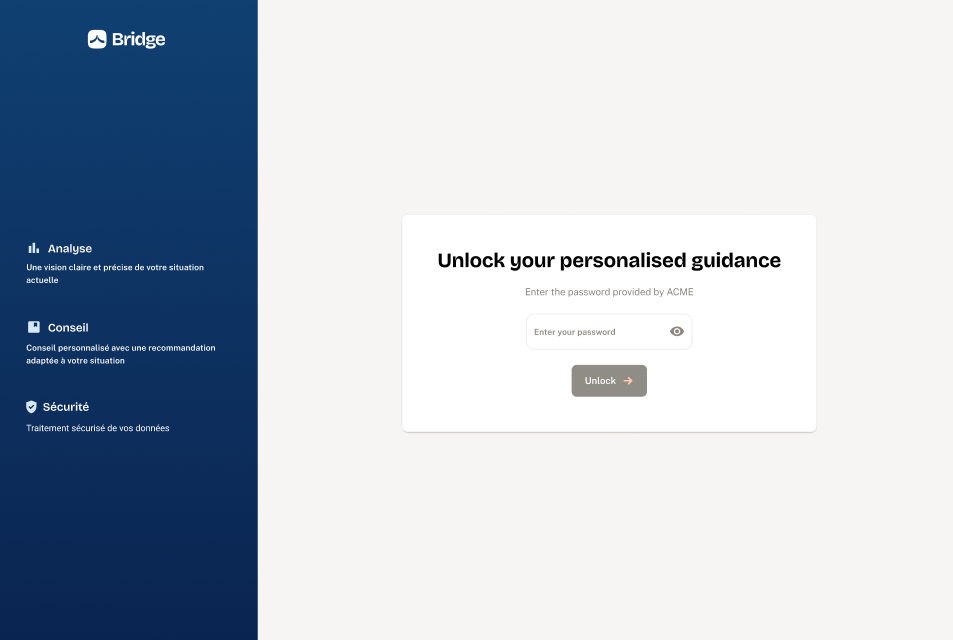
We recommend to follow our security guidelines regarding the password here : XXXXXXXXX
Userflow
-
Step 1 - Secure access to guidance
-
Step 2 - User consent
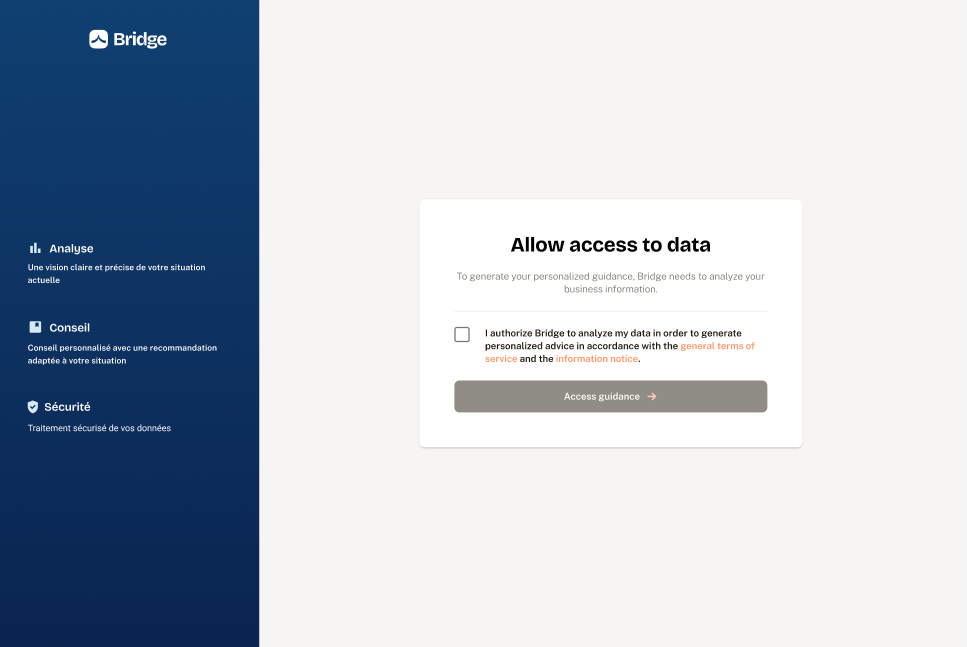
This step is only done once. If a company has given its consent, it will not be asked for consent again.
-
Step 3 - Guidance loader
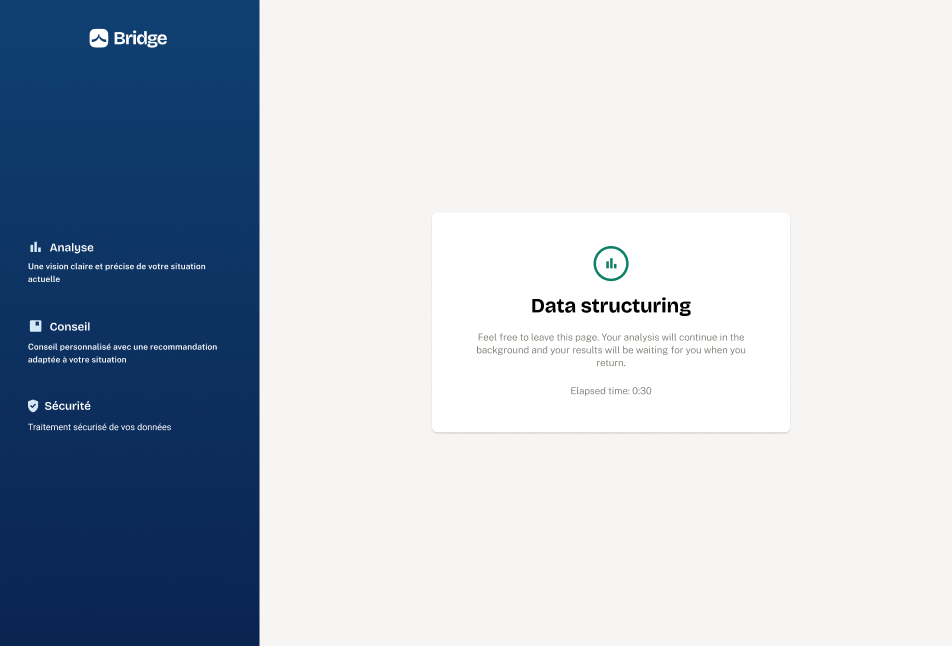
This step will only be shown when generating the first piece of guidance; afterward, the guidance will already be available in their interface.
⌚ The duration vary depending on the amount of transactions to take into considerations, from a few second to potentially an hour.
-
Step 4 - Guidance
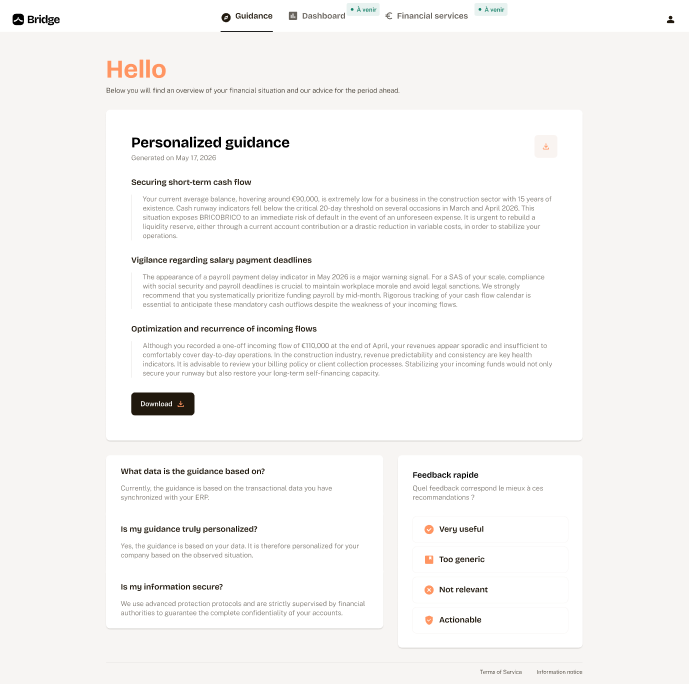
ℹ️ The session has a duration of 8 hours. You can generate a new session before the end of the previous one. Do not store the session time has it might evolve on Bridge side for security reasons.
Updated 5 months ago