
Testing your payment flow
With a Bridge sandbox app, you can safely develop and test payment requests and payment links without initiating real payments. Additionally, only compatible banks will be displayed in the Pay by Link feature.
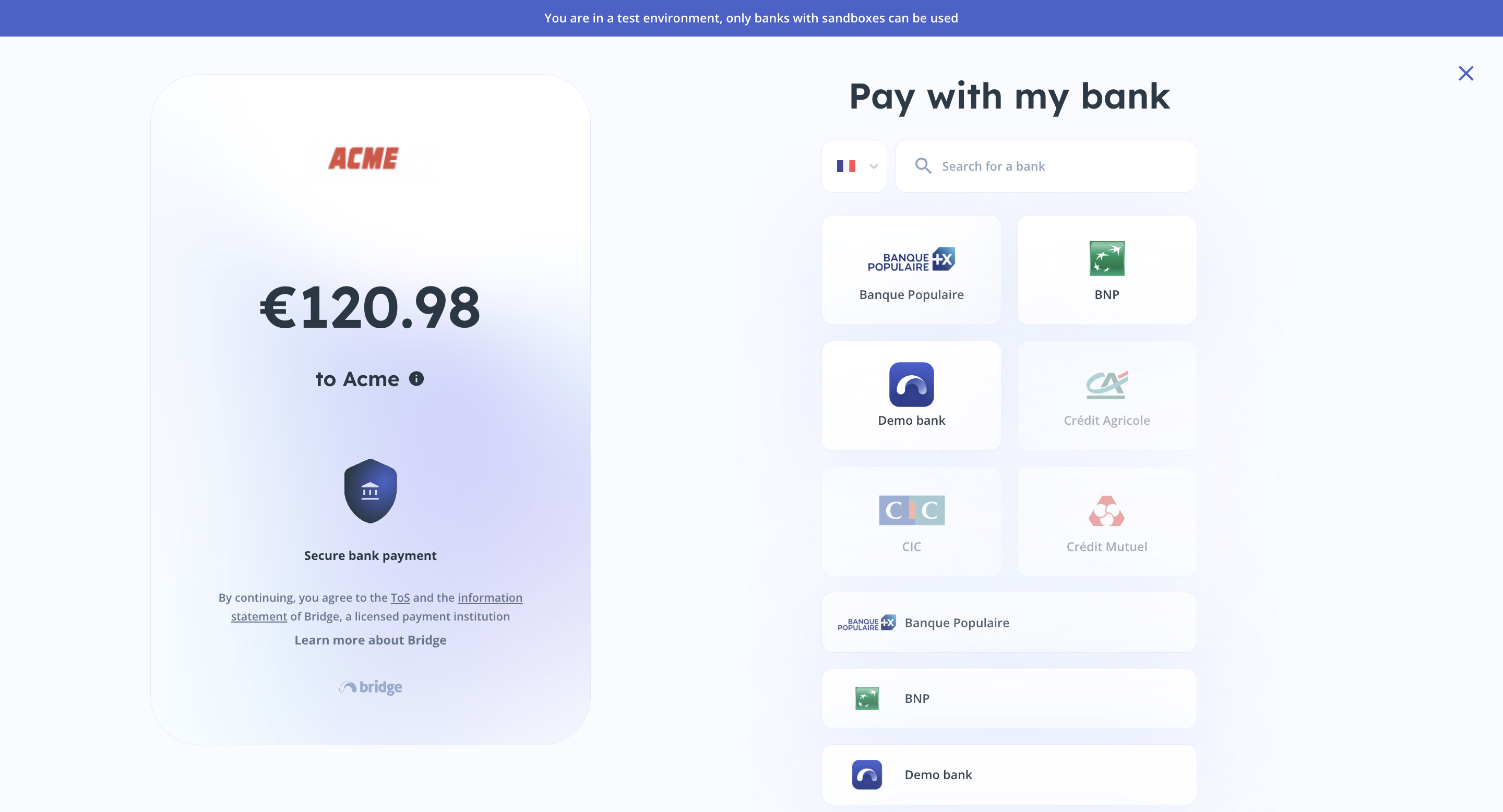
Payment link from a sandbox
Demo Bank
Our Demo Bank allows you to simulate a complete user journey for payment initiation. To test Payments with Demo Bank, you can either:
- Directly call the Create a payment request endpoint with the bank id
574. - Create a payment link from the dashboard, open the URL, and choose
Demo Bank.
Testing the usual flow
To test the redirected payment flow, you can use any login and password with more than 6 characters. Once in the Demo Bank interface, you can test a payment with or without Strong Customer Authentication (SCA) by selecting sender accounts. You can use any code longer than 6 characters for the OTP code.
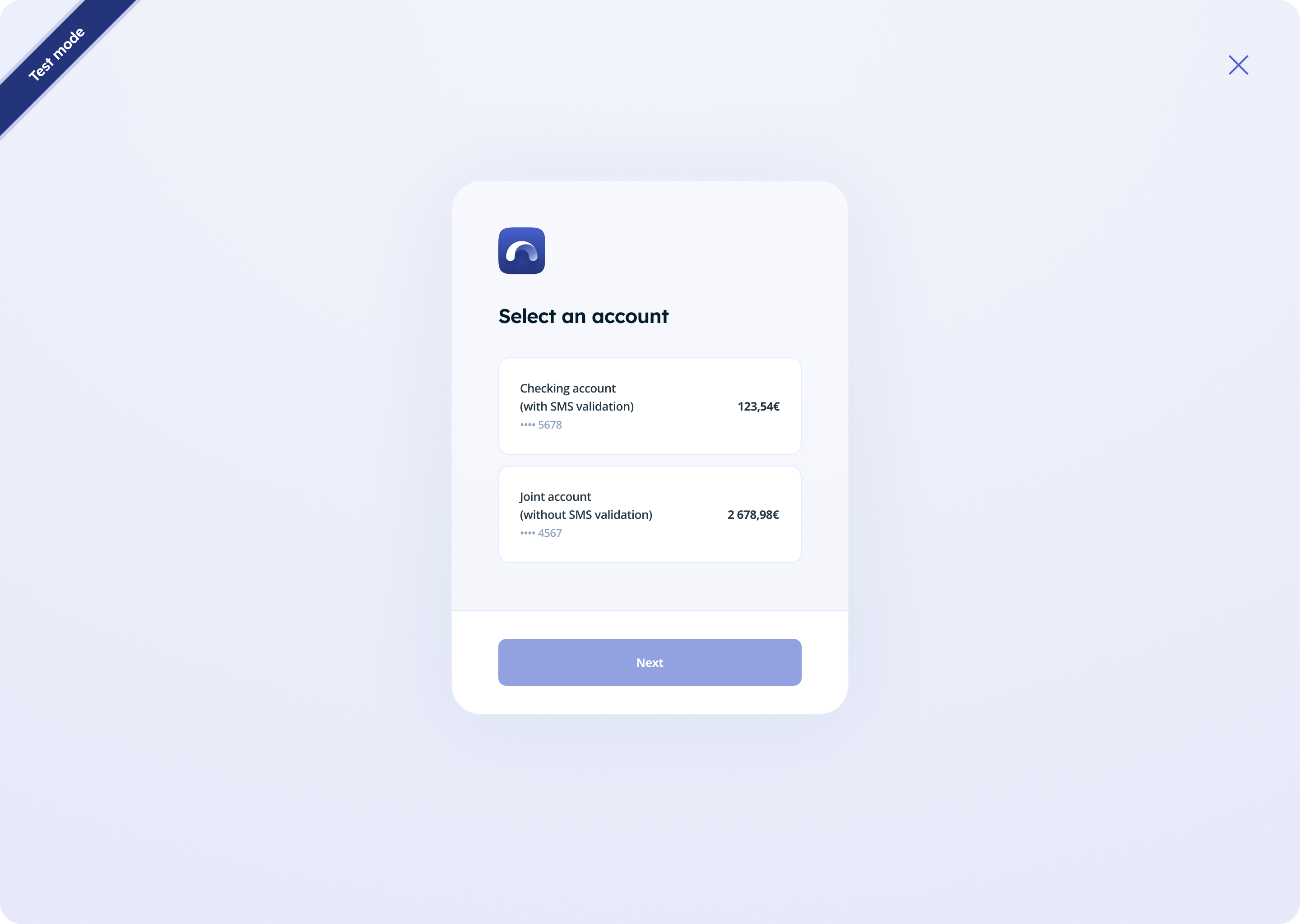
Sender accounts list
Testing your integration
To thoroughly test your integration, you should manage various payment statuses (check the full list here). Use the following credentials to simulate different scenarios:
| Login field | Payment status | Payment status reason |
|---|---|---|
| id-pdng-acsc | PDNG after you confirm the paymentACSC one hour after the confirmation | / |
| id-pdng-rjct | PDNG after you confirm the paymentRJCT one hour after the confirmation
| MS03 |
| id-acsc | ACSC after you confirm the payment (= instant payment) | / |
| id-rjct-ac01 | RJCT | AC01 |
| id-rjct-ac04 | RJCT | AC04 |
| id-rjct-ac06 | RJCT | AC06 |
| id-rjct-ag01 | RJCT | AG01 |
| id-rjct-am18 | RJCT | AM18 |
| id-rjct-ch03 | RJCT | CH03 |
| id-rjct-cust | RJCT | CUST |
| id-rjct-ds02 | RJCT | DS02 |
| id-rjct-ff01 | RJCT | FF01 |
| id-rjct-frad | RJCT | FRAD |
| id-rjct-ms03 | RJCT | MS03 |
| id-rjct-noas | RJCT | NOAS |
| id-rjct-rr01 | RJCT | RR01 |
| id-rjct-rr03 | RJCT | RR03 |
| id-rjct-rr04 | RJCT | RR04 |
| id-rjct | RJCT | / |

Updated about 2 months ago